You can also use AI to prompt Shaders. Select Generate New to try.

Now it's your time to create.
Know how to code?
Go check docs.cntrl.site
All your work is being autosaved


Clean this page or create a new one.

3
7
⚔︎Visible when at least one interaction is created on the page.
⚔︎Visible when at least one interaction is created on the page.
*Available in Dev Mode. Toggle dev mode in your Account Settings.
Component
Tool*
↓
↑
Type
Tool
Rectangle
Tool
↓
↑
Upload
Media
Layouts →
⃪ Mobile
⃪ Desktop
⃪ Interactions⚔︎
⃪ Interactions⚔︎
⃪ Dashboard
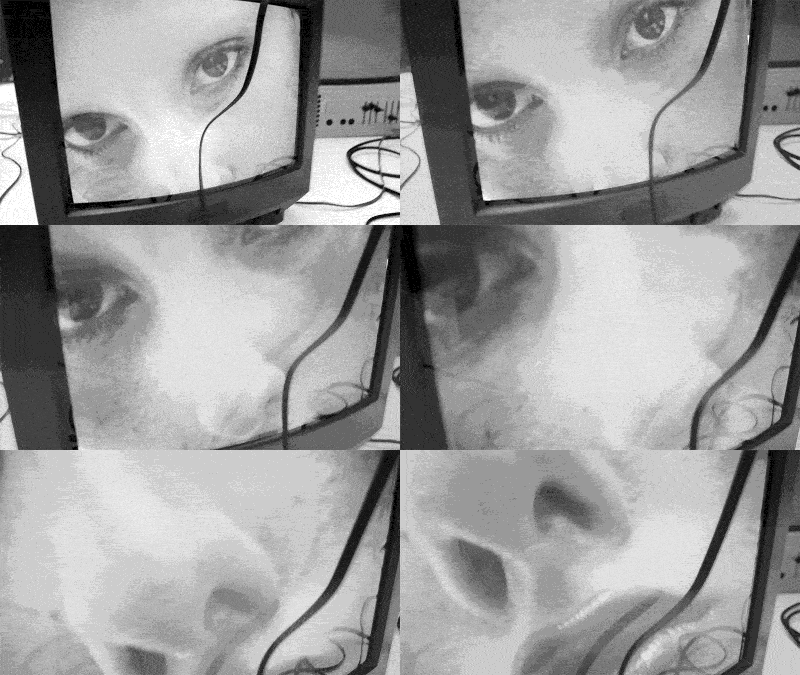
⃪⃪ GIF.
Click and switch it to any image, video or code embed.
⃪⃪ Shader Effect.
Click and choose another Shader or play with keyframes to adjust the animation.
⃪ Simple scroll-based animations
⃪⃪ Sticky element.
Click on it and explore the toolbar below. Move diamonds on the Sticky Effect Timeline to change it's duration.
C
1

This page contains a live demo preview of some basic features in Control, shown by the set of elements below. It's created for you to interact with so you can test the editor. After you move things around, go to the Dashboard and Publish your website. Link will be generated and you'll be able to preview it in browser. That's it, you've got a new website. Welcome in Control.